


Lecteur Blu-ray externe USB 3.0, lecteur optique Portable 3D BD-Combo, lecteur CD DVD, graveur de CD
110.37 €
"<h5 style="text-align:center" align="center"><span style="font-size:20px;font-family:arial, helvetica, sans-serif"><strong>External Blu-ray Drive USB 3.0 Type-C Portable 3D BD-Combo Reader CD DVD Player for Laptop PC Computer Notebook</strong></span></h5&
Vendeur: smartshopping
Lecteur Blu-ray externe USB 3.0, lecteur optique Portable 3D BD-Combo, lecteur CD DVD, graveur de CD pour ordinateur Portable Windows 11/10 Mac"
External Blu-ray Drive USB 3.0 Type-C Portable 3D BD-Combo Reader CD DVD Player for Laptop PC Computer Notebook
Computers often do not natively support DVD movie playing, so a third-party media player (such as VLC) must be downloaded and installed to watch DVDs using this BD/CD/DVD player. You can download and install a playing/burning software you like.
Recommendations are as follows:
Macgo blu-ray Player for MAC OS; PowerDVD for Windows; Leawo Blu ray Player is free one for all system.
No fee playing software: Any Media Player, Any DVD
No fee burning software for CD/DVDs: Nero
Please be aware that the playback/burning software for the external Blu-ray drive is not included and must be purchased separately to ensure proper functionality.
Note:
This product does not support burning Blu ray discs. And the Blu-ray playback software is not included.
When downloading Blu-ray playback software, Some software Windows and MAC OS are not compatible,please make sure Blu-ray playback software is compatible with your computer system.
This external dvd drive can't be used with TV, car, phone, tablet, Mac mini, projectors ,external hard drive and PS4/5.
Due to the limitation of Chrome OS, this drive can't be used with Chrome OS and Chromebook.
Quesion1:Optical drive display recognition failed.
A1. Pls check if the optical drive is being recognizes by your computer.
[For Windows OS] You can see the BD-ROM icon in Windows Explorer. Use the data cables on the back (bottom) of the optical drive to connect your computer's USB port or desktop computer host.Do not connect USB extension hub.
[For Mac OS] The Mac OS computer will not display the device icon until the disc is placed in the optical drive and the disc is read successfully.
A2. Pls check the Device Manager: If the optical drive displays a yellow exclamation mark or question mark, there may be a driver issue. You need to right-click and select 'Update Driver', or uninstall the driver and restart the computer, then connect the optical drive, and the system will reinstall the driver automatically.
Quesion2:The optical drive connection is successful, but the disc cannot be played.
【Step1】Set the region code (CDs do not have region code).
The disc can only be played when there on code of the DVD drive matchesthe DVD.
(Note: Only allows to change the region code 4-5 times)
The operating steps are on the last page of the manual.
【Step2】 Insert your CDs or DVDs, Use a media player.
If playing Blu ray disc, it is necessary to download Blu ray playback software in advance.
【Step3】Pop up the disc. (Right click on the folder and select the pop-up option)
If the above operation still failed, please contact us,thank you.

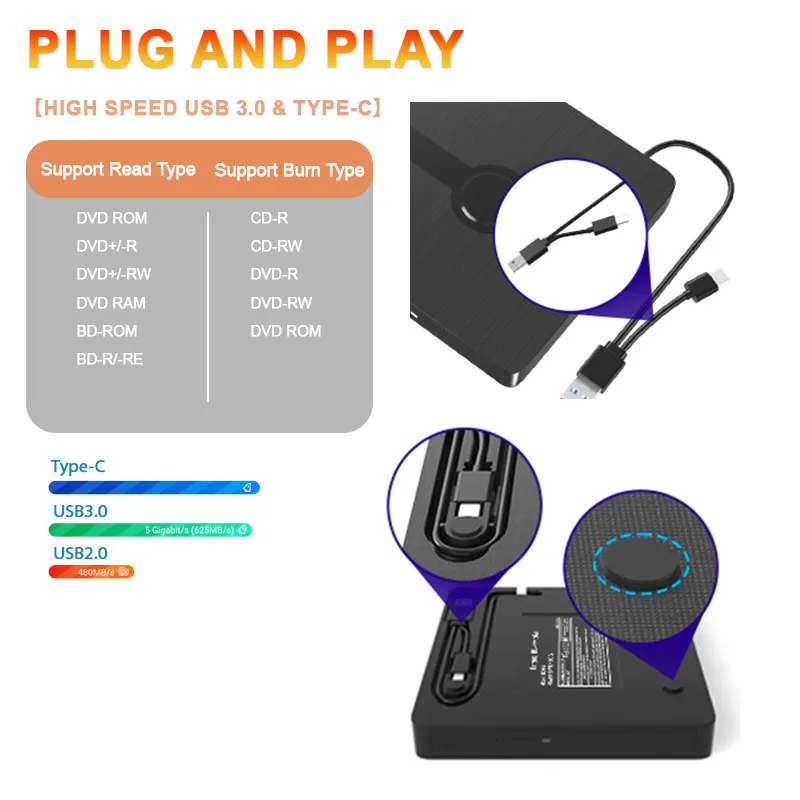


Troubleshooting Steps
If your cannot use this CD/DVD drive, please try the following suggestions:
1. Pls check if the optical drive is being recognizes by your computer.
[For Windows OS] You can see the BD-RE/RW icon in Windows Explorer. Use the data cables on the back (bottom) of the optical drive to connect your computer's USB port or desktop computer host. Do not connect USB extension hub.
[For Mac OS] The Mac OS computer will not display the device icon until the disc is placed in the optical drive and the disc is read successfully.
2. Pls check the Device Manager: If the optical drive displays a yellow exclamation mark or question mark, there may be a driver issue. You need to right-click and select 'Update Driver', or uninstall the driver and restart the computer, then connect the optical drive, and the system will reinstall the driver automatically.
3. Pls check the BIOS settings: Enter the computer's BIOS settings interface to see if the optical drive is disabled. If it is disabled, enable it.
4. Pls ensure that the optical drive is clean: As any dirt may prevent it from functioning correctly. It is recommended that a professional optical drive cleaner or cotton swab be used to gently clean the read-write head of the optical drive.
5. Unable to eject disc: Please right-click on the “BD-RE” folder, select the "Eject" option, wait a few seconds for recognition, and the disc will automatically eject.
Visitez le lien ci-dessous pour en savoir plus:
Pourquoi choisir notre produit:Ce produit est vendu par le fournisseur du produit Pinterest Power. Toutes les demandes d'assistance doivent être adressées au fournisseur du produit. Ce produit a une politique de retour de 30 jours et il est traité par le vendeur du produit. Vos renseignements seront fournis au vendeur du produit une fois la commande réussi.
Nous espérons que vous aimerez votre achat mais si vous devez le retourner nous avons une politique de retour de 30 jours. Pour retourner un article vous devez nous contacter et prendre des photos de votre article pour montrer clairement tout dommage ou aspect inhabituel de celui-ci.
Informations de retoursLes retours approuvés seront soumis à une inspection à l'arrivée. Les articles doivent être retournés dans leur état d'origine avec tous les emballages d'origine. Tous les frais d'expédition et de manutention ne sont pas remboursables. Les frais de retour sont à la charge de l'acheteur.
Nous couvrirons le coût seulement s'il faut vous envoyez des articles de remplacement/réparation. Dans les 30 jours suivant la réception de vos produits nous proposons un échange/remplacement sans tracas uniquement si vos articles sont jugés défectueux par le fabricant.
Informations d'expéditionNous expédions tous les jours du lundi au vendredi. Nous prenons grand soin d'emballer chaque article pour vous assurer une expédition en toute sécurité. Une fois que votre commande a été traitée et que nous avons reçu le paiement votre article sera expédié dès que possible.
Les commandes sont traitées dans les 24 à 48 heures après réception de paiement. Les heures normales d'ouverture sont de 10 h à 20 h heurs du lundi au samedi. Les commandes passées avant 13h00 heurs - dans la plupart des cas sont expédiées le jour même.
Nous utilisons les transporteurs suivants Colissimo Chronopost USPS FedEx Ups. Une confirmation de livraison et un numéro de suivi vous seront fournis par e-mail. Veuillez prévoir entre 1 et 2 jours avant l'activation du numéro de suivi pour suivre la destination de votre colis.
Veuillez noter que si vous utilisez un transitaire et que votre colis est perdu ou n'est pas livrable nous n'en serons pas responsables.
GarantieDans le cas où une garantie commerciale est proposée par le vendeur, celle-ci ne fait pas obstacle à l’application de la garantie légale de conformité et/ou à la garantie des vices cachés. Voir conditions de cette garantie commerciale dans les CGV du vendeur et/ou dans les CGU Marketplace
Add a review
Photos du produits fourni par le vendeur
showing 1-6 of 6 results.
Button Centered
Autres produits fourni par le vendeur
showing 1-4 of 32 results.
-
Sale! .10%
Add to Cart
View
Details
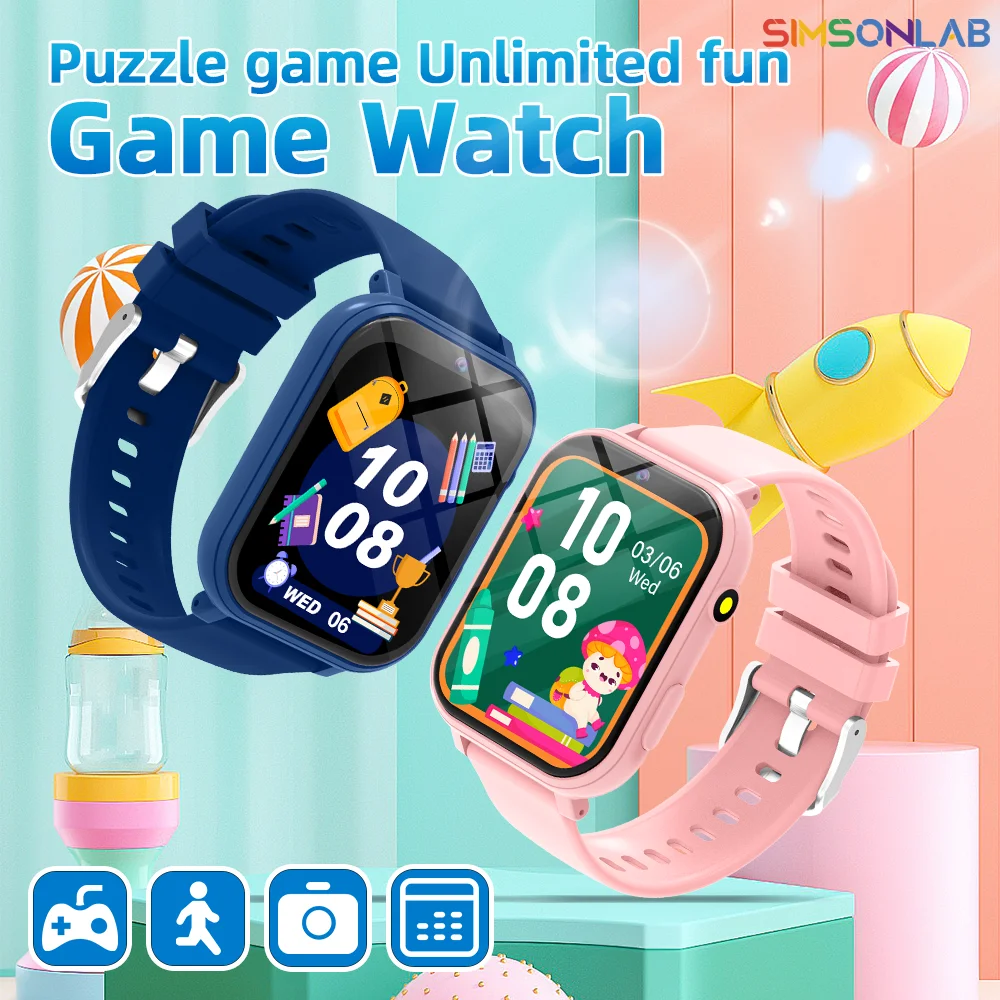
Nouvelle mode montre intelligente pour enfants jeux HD écran
89.57 €39.57 € -
Sale! .10%
Add to Cart
View
Details

DTNew 2025 Original pour Apple Watch 10 montre intelligente
116.57 €66.57 € -
Sale! .10%
Add to Cart
View
Details
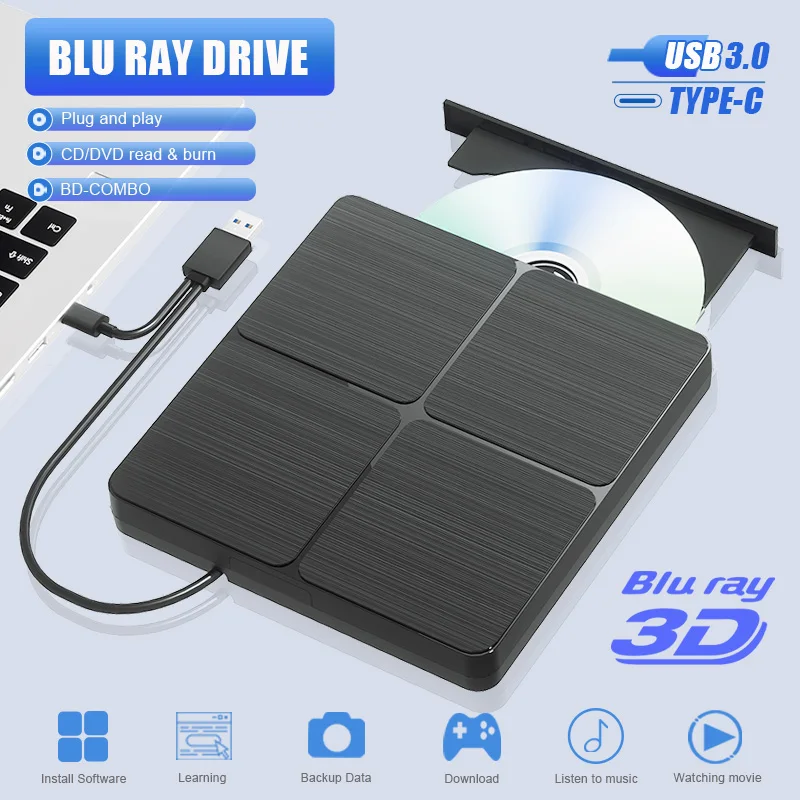
Lecteur DVD Blu-ray externe USB 3.0 Portable BD-Combo lecteu
165.17 €115.17 € -
Sale! .10%
Add to Cart
View
Details
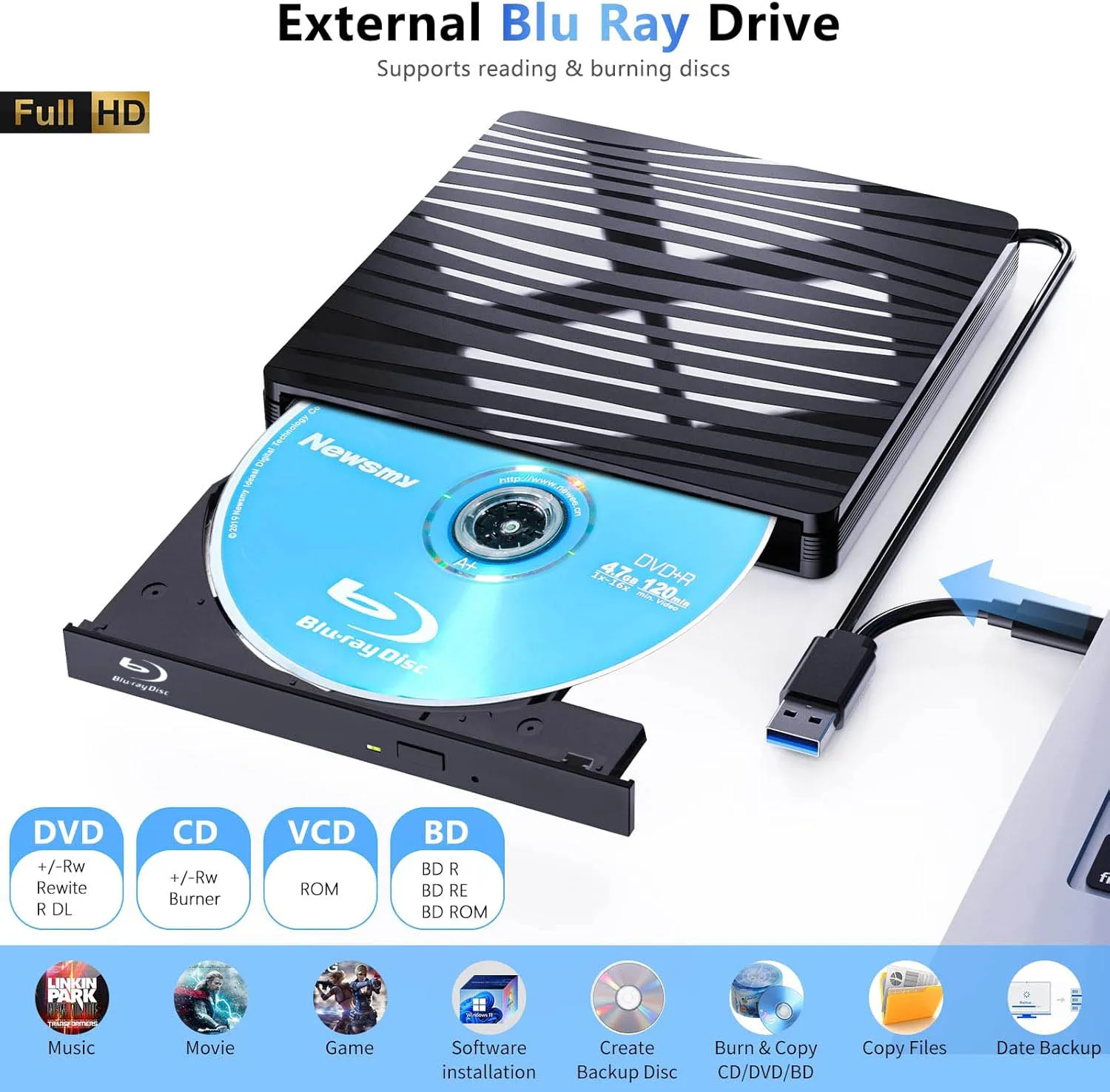
Lecteur optique Blu-ray externe USB3.0 pour ordinateur Porta
198.17 €148.17 €


Ce produit n'a pas reçu de commentaires encore et son évaluation à une note Rated 5.00 out of 5, soyez le premier à laisser un commentaire d'évaluation et en recevoir d'aventage en retour pour bosser votre visibilité sur la marketplace.